
How It Works 🧑🎨
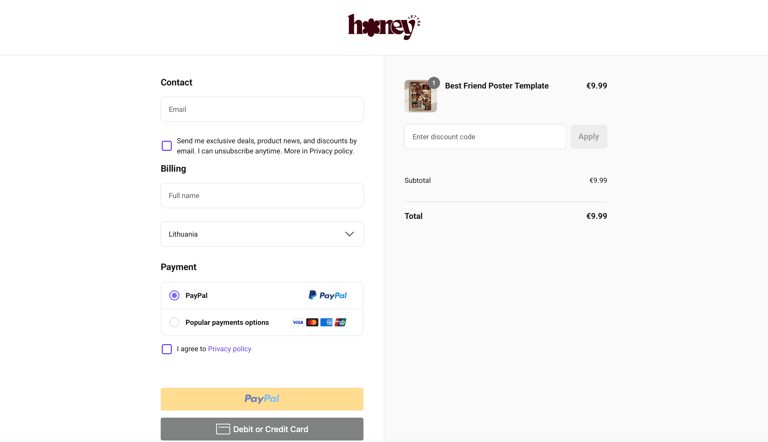
Step 1 – Purchase
When you complete your purchase, you’ll receive instant access to a digital Canva template.
This is a digital product, so nothing will be shipped to you physically. You can start editing right away.
Step 2 – Open the Template in Canva
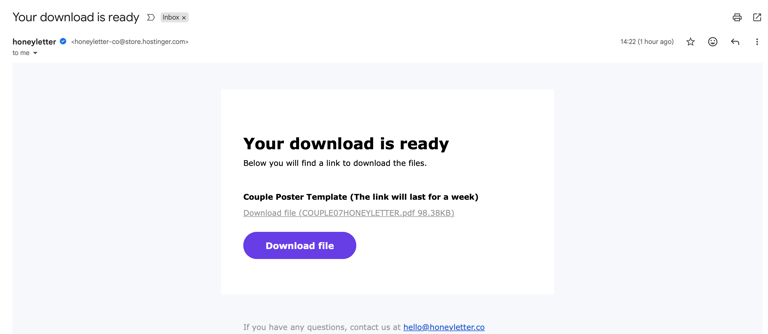
Open the template using the link provided in the email after purchase.
It will open in Canva, an easy-to-use online design tool.
✔ A free Canva account is all you need
Step 3 – Customize Your Poster
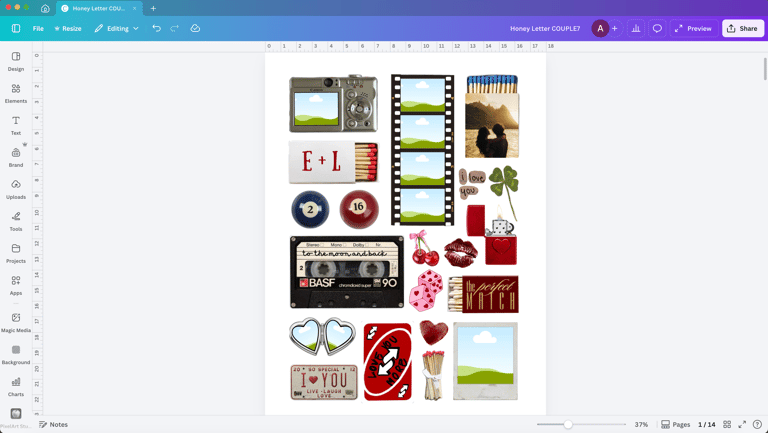
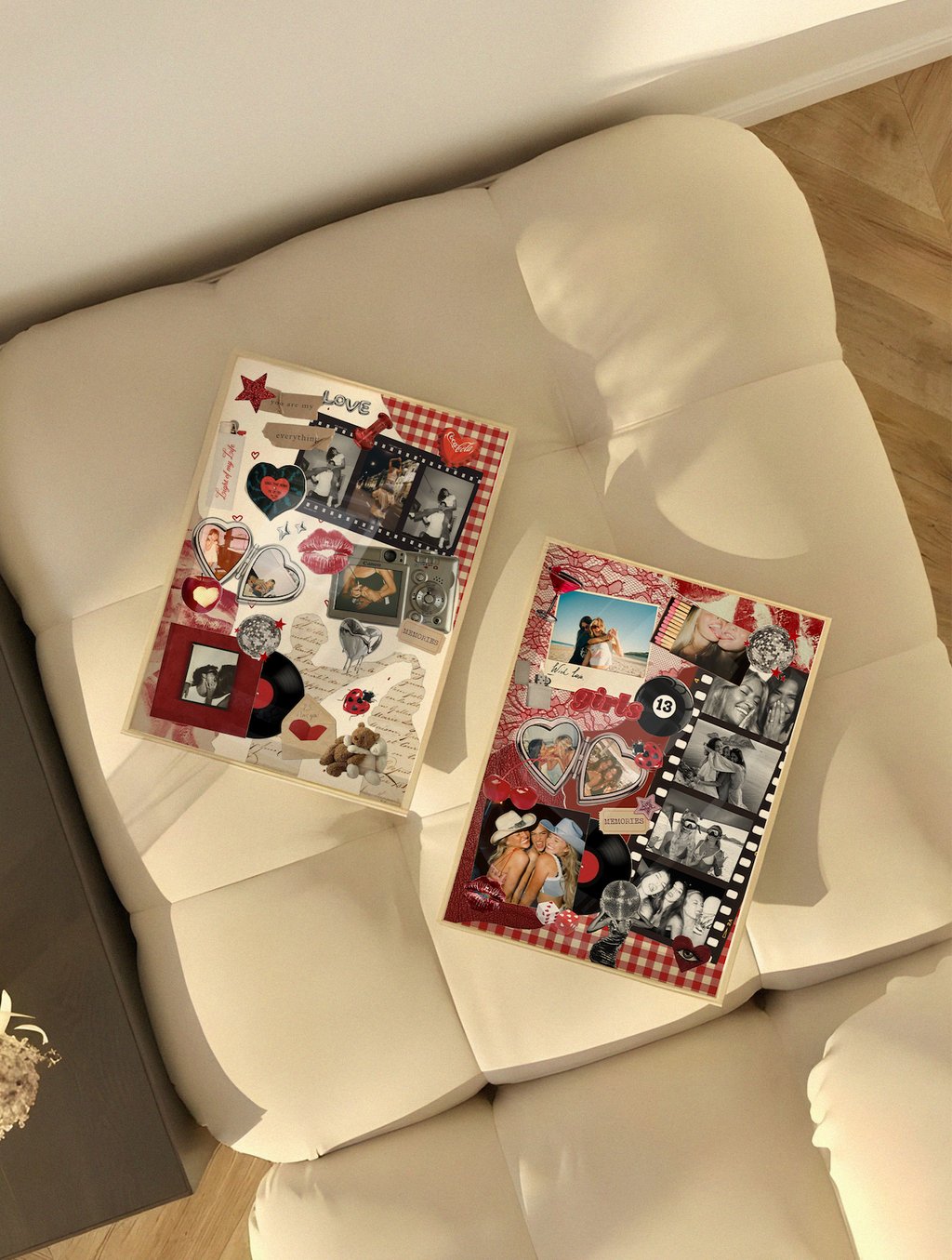
You can fully personalize the poster to make it your own.
Replace photos with your own memories
Edit all text (names, dates, quotes, messages)
Change colors to match your style or home interior
Move, resize, duplicate, or delete elements
Everything works with simple drag & drop, so no design skills are required.
💻 Desktop is recommended for the best editing experience
Step 4 – Explore 400+ Bonus Design Elements
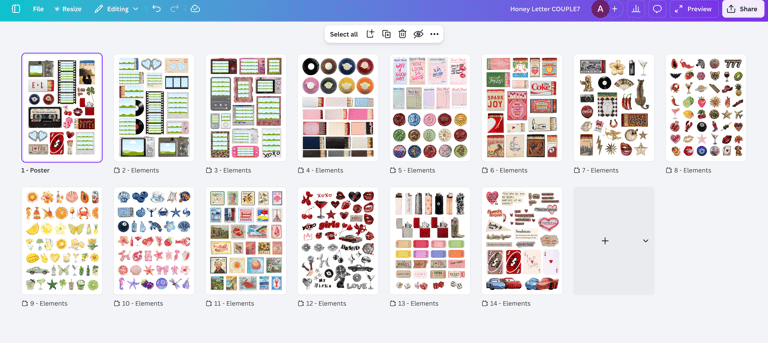
Each template includes 400+ additional elements already added inside the file for extra customization.
You can mix, match, duplicate or remove any element freely.
No extra downloads needed — everything is included in one template.
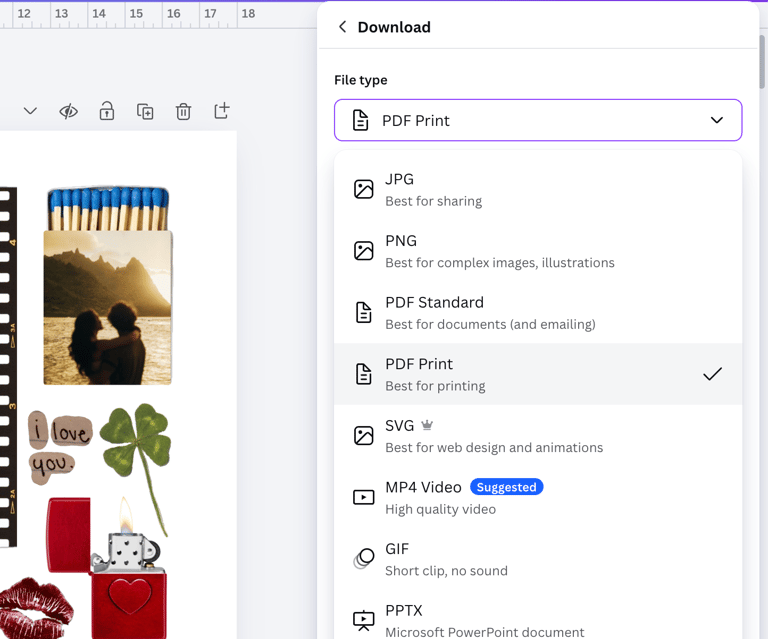
Step 5 – Download & Print or Share
Once your design is ready:
Download it as PDF or JPG
Print it at home or at a local print shop
Or send it digitally as a thoughtful gift
You can re-edit the template anytime in the future.
💡 Helpful Notes
This is a Canva template, not a finished poster
You can edit it as many times as you like
Perfect for last-minute gifts and meaningful surprises
If you need help, you can always reach out 💌
Contact
© 2026. All rights reserved.
Subscribe Now
Get exclusive templates and updates!